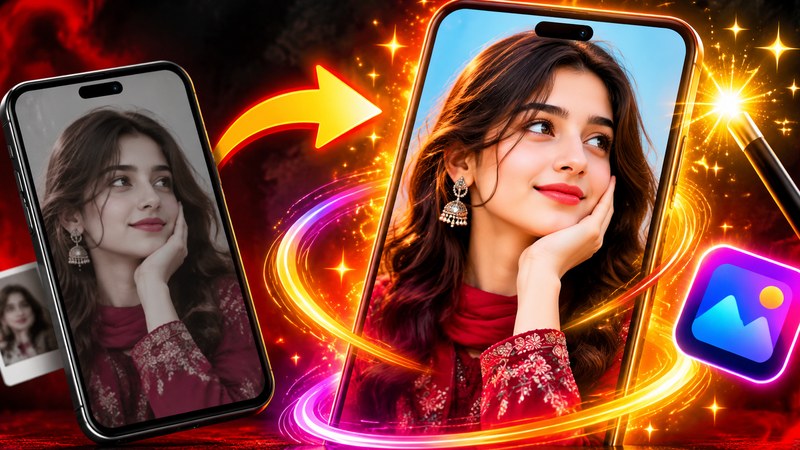
Not long ago, good photo editing meant a computer, expensive software and hours of practice. In 2026, your phone can remove objects, relight a portrait and rebuild a dull sky in seconds. The secret is AI. Modern editing apps use on-device and cloud models that understand faces, skies, clothes and backgrounds, so edits that once needed a professional now happen with a single tap. We tested the most popular options and picked the ones that actually deliver.
What Makes a Great AI Photo Editor?
Before the list, here is what we looked for: clean object removal without smudging, natural skin retouching that does not turn faces into plastic, fast export without heavy watermarks on the free plan, and tools that work well on mid-range Android phones, not only flagships.
1. SnapEdit Pro Style Editors
Object removal is the feature everyone wants first. The best apps in this class let you brush over a photobomber, a trash bin or a stray cable and rebuild the background convincingly. The trick is to zoom in and remove objects in small sections rather than one huge stroke.
2. Portrait and Beauty AI Apps
Portrait-focused editors shine at face relighting, teeth whitening, blemish removal and background blur. Used gently, they make profile pictures and wedding photos look professionally shot. The golden rule: keep the AI strength under 50 percent so the photo still looks like you.
Features to look for
- AI sky replacement with automatic horizon matching
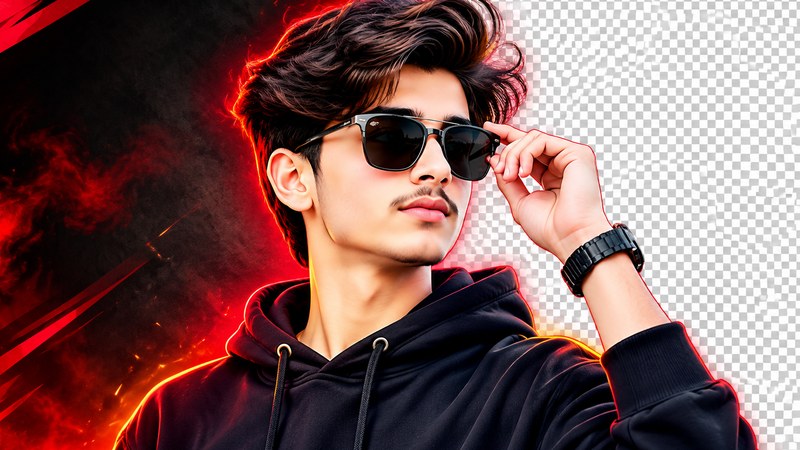
- One-tap background blur with edge refinement for hair
- Batch editing for product photos
- Before/after slider to control the effect strength
3. All-in-One Creative Suites
Some apps combine AI tools with collage makers, filters and text tools. These are perfect if you create Instagram posts and thumbnails daily, because everything lives in one place. Look for template libraries that are updated weekly so your designs never look outdated.
Free vs Premium: What Should You Choose?
Free versions are enough for social media. Premium plans usually unlock HD export, batch processing and the newest AI models. If you edit photos for clients or a business page, the upgrade pays for itself quickly. If you only edit personal photos, save your money and master the free tools first.
Final Verdict
The best AI photo editing app is the one that matches your habit. Choose a portrait specialist for selfies, an object remover for travel photos, and an all-in-one suite for daily content creation. Whichever you pick, always export a copy and keep the original safe — AI edits are powerful, but your original photo is priceless.